


If you sit at a desk for hours and deal with headaches, neck tension, or fatigue, your workspace setup is likely a major factor.
Most people focus on screens—but ignore posture, positioning, and ergonomics.
The result:
- Forward head posture
- Neck and shoulder tension
- Increased headache frequency
- Faster mental fatigue
The good news:
A few targeted adjustments can significantly reduce strain—often within days.
In this guide, you’ll learn:
- What causes desk-related headaches
- How to set up your workspace correctly
- The best ergonomic tools worth buying
Why Your Desk Setup Is Causing Headaches
Headaches from desk work are often musculoskeletal + visual combined.
The most common issues:
1. Forward head posture
- Head shifts in front of shoulders
- Increases strain on neck muscles
2. Screen too low or too high
- Causes constant neck flexion or extension
3. Unsupported lower back
- Leads to full-body tension patterns
4. Static positioning
- Sitting too long without movement
5. Poor arm and wrist positioning
- Shoulder tension builds over time
The Ideal Desk Setup (Simple Guidelines)
Screen Position
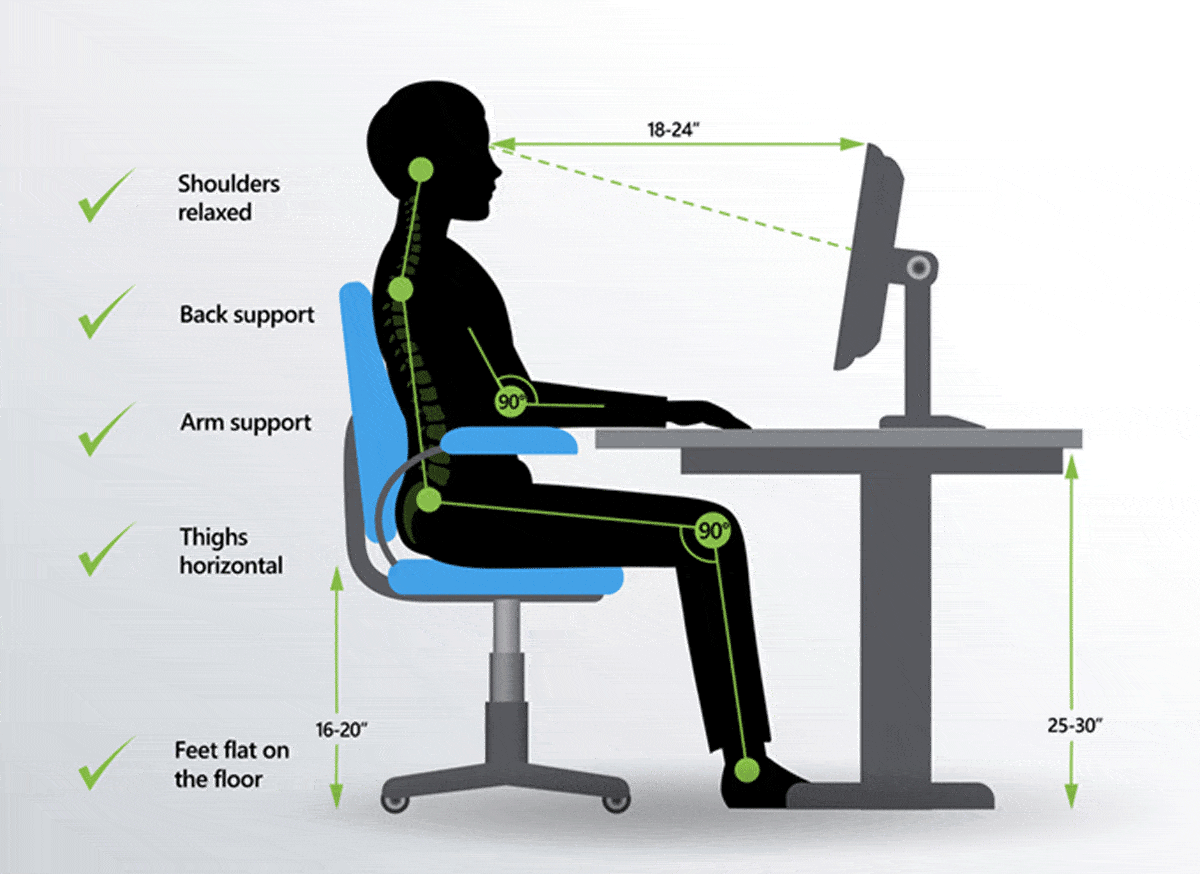
- Top of screen at or slightly below eye level
- About 20–28 inches from your face
Chair Setup
- Feet flat on floor
- Knees at ~90 degrees
- Lower back supported
Keyboard & Mouse
- Elbows at ~90 degrees
- Wrists neutral (not bent upward)
Head & Neck
- Ears aligned over shoulders
- Avoid leaning forward
Best Ergonomic Products for Headache Prevention
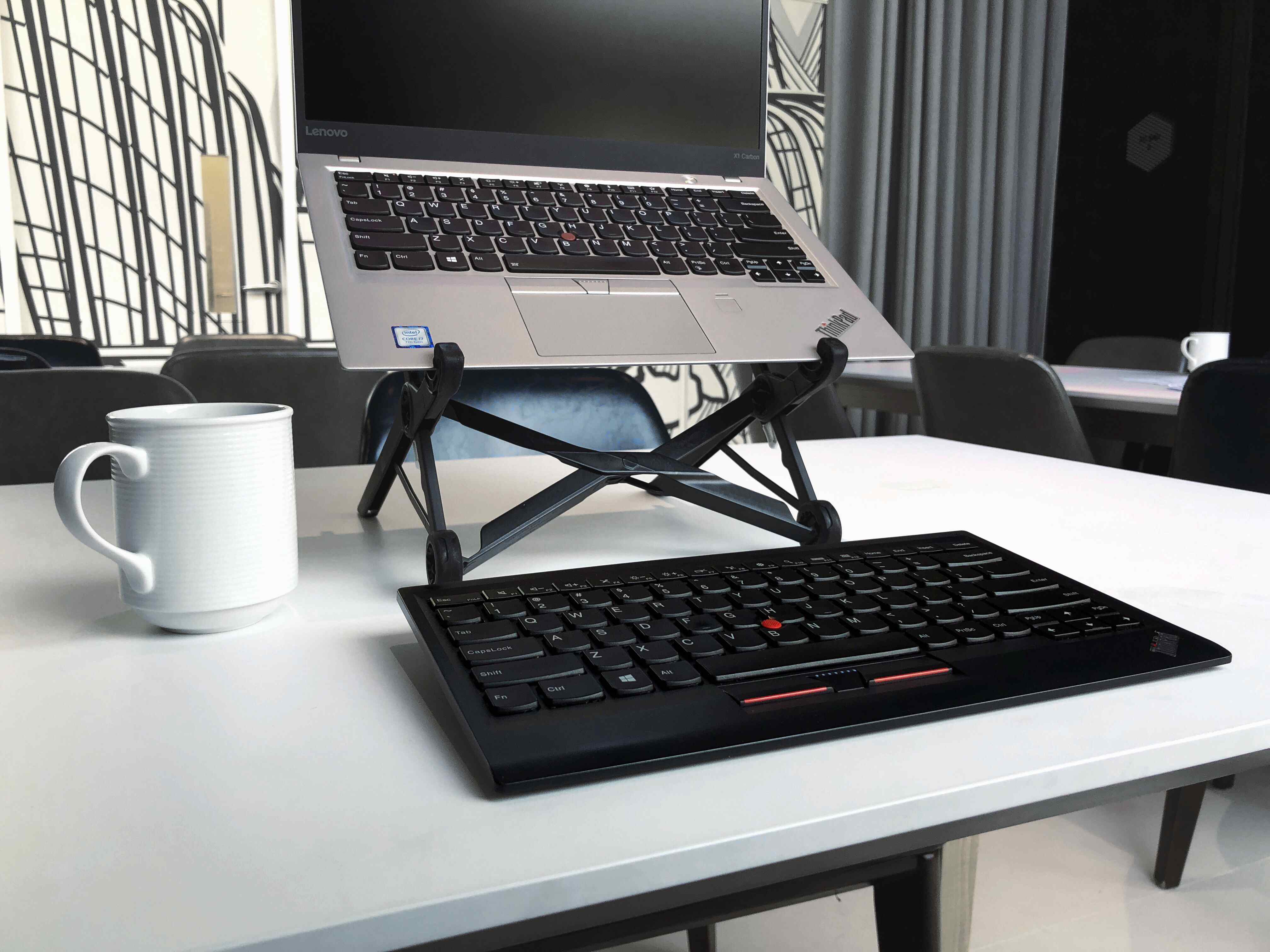
1. Adjustable Laptop Stand


Why it matters:
Laptops force you into poor posture (looking down).
Benefits:
- Brings screen to eye level
- Reduces neck strain immediately
Best for:
- Anyone using a laptop daily
2. External Keyboard and Mouse
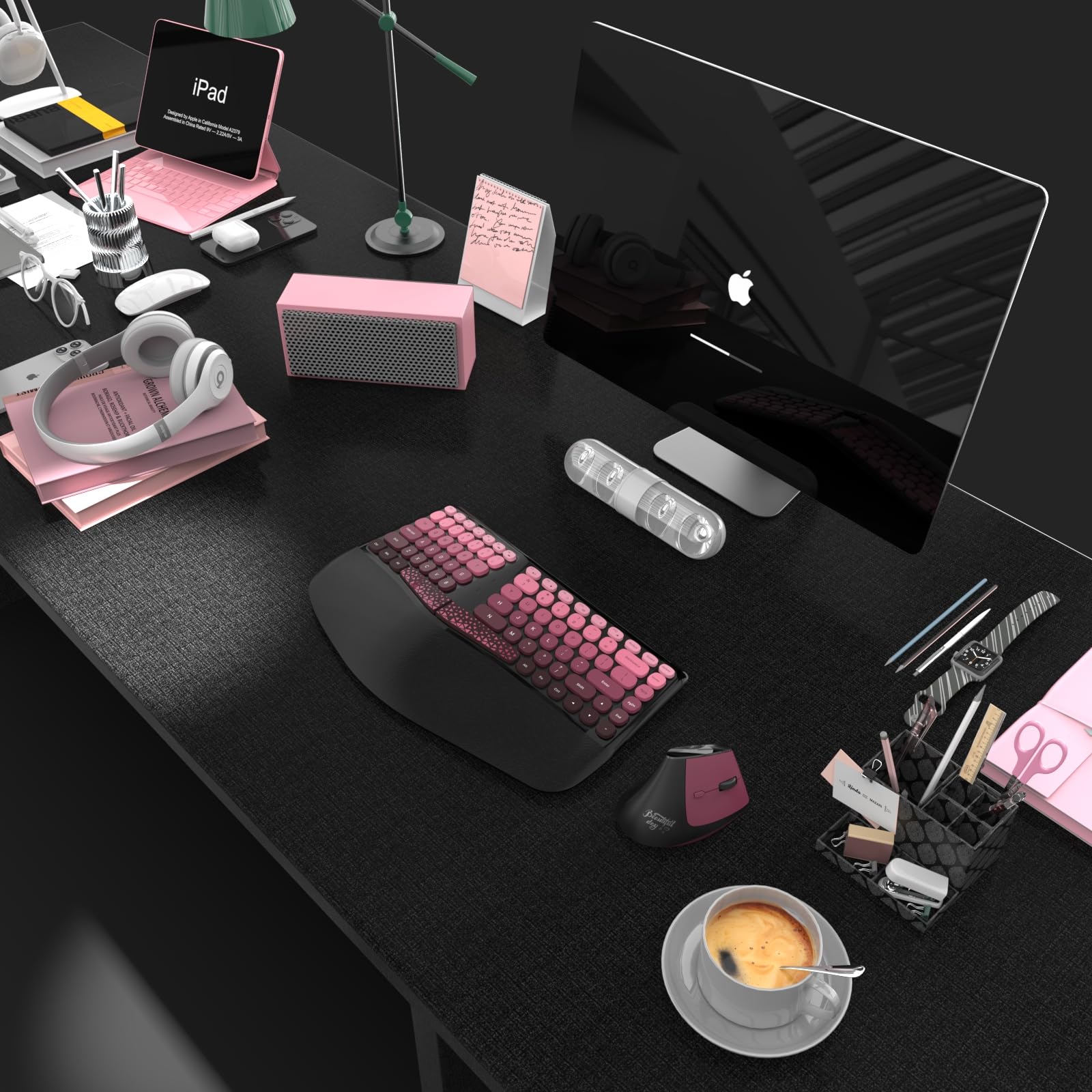

Why it matters:
Once your screen is elevated, you need proper hand positioning.
Benefits:
- Keeps wrists neutral
- Reduces shoulder tension
3. Ergonomic Office Chair or Lumbar Support Cushion


Why it matters:
Poor lumbar support leads to full-body compensation.
Benefits:
- Improves spinal alignment
- Reduces fatigue over long sessions
4. Monitor Light Bar (Glare Reduction)


Why it matters:
Overhead lighting creates glare → increases eye strain.
Benefits:
- Even lighting without screen reflection
- Reduces visual fatigue
5. Footrest (Often Overlooked)

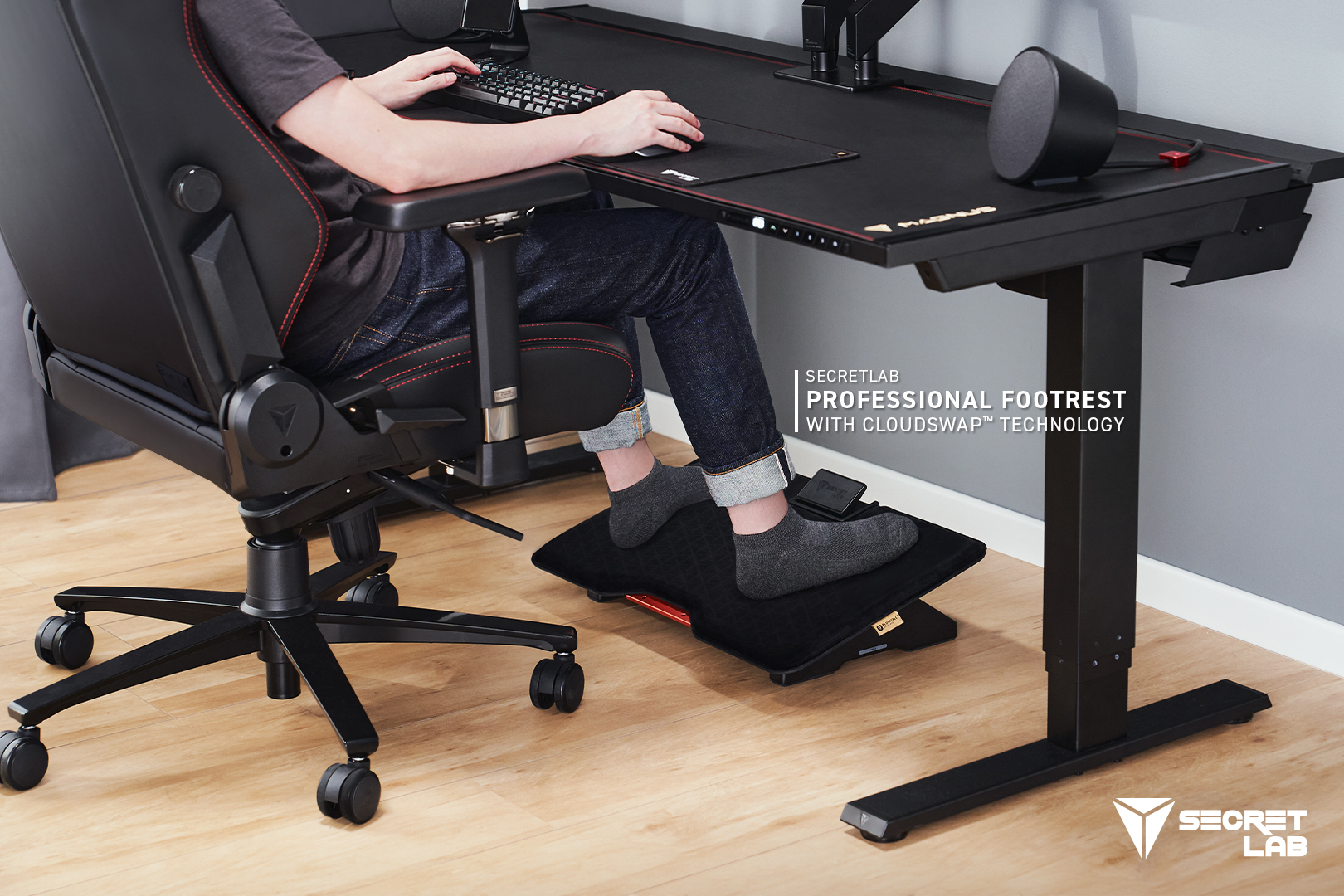
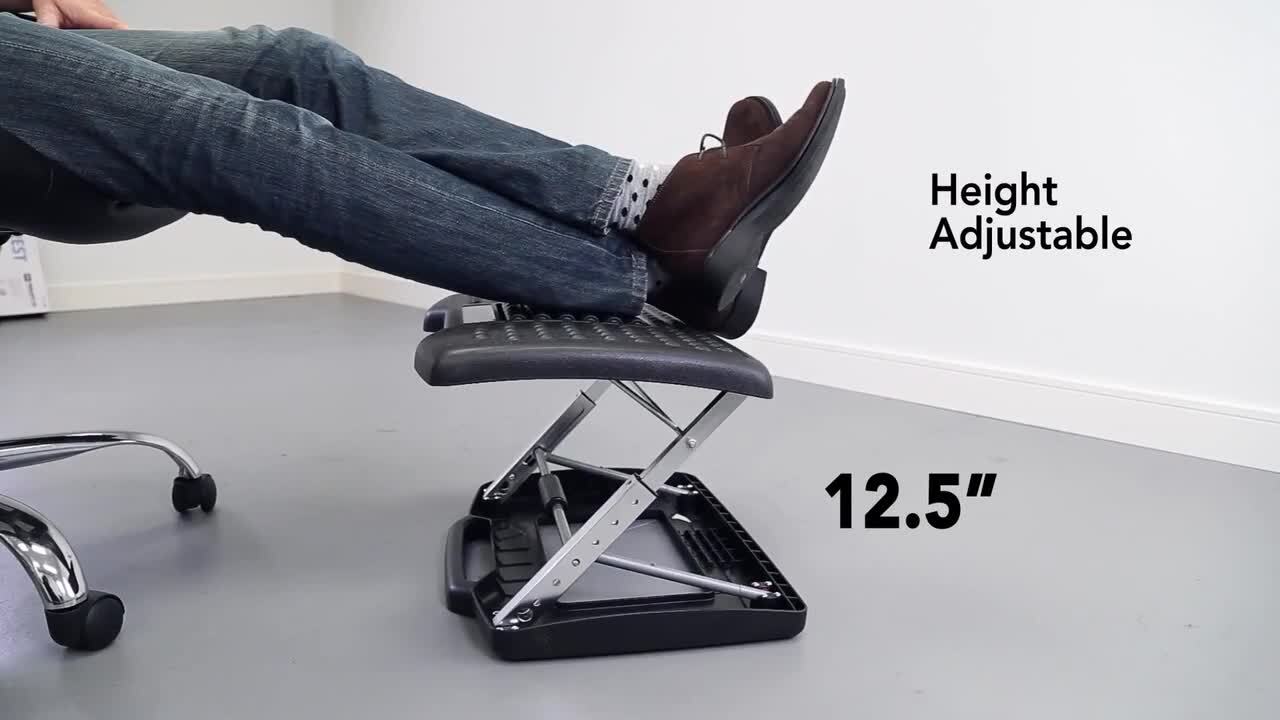
Why it matters:
If your feet don’t rest flat, posture breaks down.
Benefits:
- Stabilizes lower body
- Improves alignment up the chain
How to Set This Up (Step-by-Step)
Don’t try to overhaul everything at once.
Step 1:
Raise your screen to eye level
Step 2:
Adjust chair height so feet are flat
Step 3:
Position keyboard so elbows stay at 90°
Step 4:
Check head position (ears over shoulders)
Step 5:
Reduce glare and adjust lighting
Quick Daily Reset (Takes 60 Seconds)
Use this throughout your workday:
- Sit tall
- Pull shoulders slightly back
- Align ears over shoulders
- Relax jaw and forehead
This simple reset reduces tension buildup.
Don’t Ignore Movement
Even a perfect setup won’t fix prolonged stillness.
Aim for:
- Standing or walking every 45–60 minutes
- Brief stretch breaks
- Changing positions regularly
Where Blue Light Glasses Fit In
If you still experience headaches after fixing your setup, visual strain may still be contributing.
Blue light glasses can help reduce that additional load—especially during long screen sessions.
👉 See: Best Blue Light Blocking Glasses for Headaches
Final Thoughts
Most desk-related headaches are not random—they’re mechanical.
The fix is not complicated:
- Improve alignment
- Reduce strain
- Support your body properly
Start with just one or two changes.
You’ll often notice improvement faster than expected.
This article may contain affiliate links. If you purchase through these links, we may earn a commission at no additional cost to you.